From March 16th to 31st, activate the offer in Mobilebank, pay on Roblox.com, and get 20% cashback instantly, up to a maximum of 20 GEL in total. On Roblox.com you can purchase Robux, a Roblox gift voucher, or a monthly subscription package.
What do you have to know?
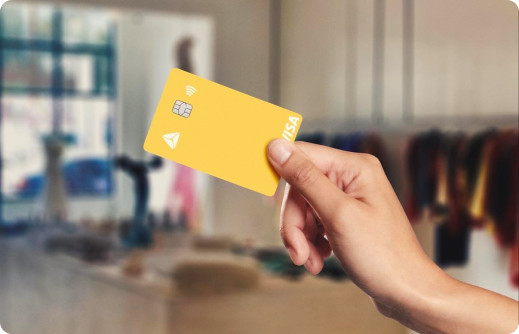
The offer is active for Pupil Card.
You have to activate the offer in your Mobilebank
The offer is active from March 16th to March 31st
The maximum amount of cashback a client can receive is 20 GEL
The offer applies only to purchases made on the website Roblox.com.
If payment is made in foreign currency, the cashback amount will be reflected in GEL, based on the National Bank exchange rate on the payment date.
The money paid during the offer isn’t subject to returning
The cashback amount will be returned to the Pupil Card account instantly, in exceptional cases, it may take up to 2 business days for the cashback to be reflected.
The bank retains the right to not give the cashback amount to a client, if any suspicious transactions occur, also the right to get the cashback amount back
Keep in mind during offer activation:
The offer will appear inactive in the Mobilebank. To activate it, the pupil must go to the Offers Hub page, select the desired offer, and press the activation button.
The offer can be activated either in advance or during the campaign period.
Activation takes 2–3 seconds.
To activate the offer, it is necessary to have the updated version of the TBC Mobilebank.
If a pupil does not have a phone and therefore cannot register in Mobilebank, they will not be able to use the offer at this stage.
If the pupil does not have a Pupil Card
To get a Pupil Card, the parent needs to order the card through Mobilebank. After completing the order, the pupil will automatically see a digital Pupil Card in their Mobilebank app, which can be used for payments.
If the pupil does not have access to the app to activate the offer
The parent needs to update the pupil’s Mobilebank passcode from the Child Space in the app or invite them to the app. After that, the pupil will be able to log in to their Mobilebank and activate the offer from the Offers page.