
ქარ

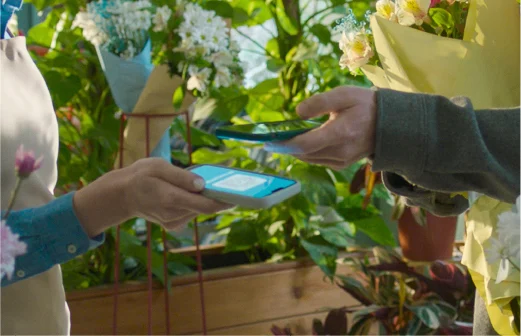
Transfer funds to a TBC account by scanning the QR code using any bank card in Georgia — instantly and with no commission.
Transfer using any bank card via Apple Pay/Google Pay
Make payments via TBC or other banks’ Mobile Bank
Instant crediting of funds to the recipient
Ability to download and print the QR code from the Mobile Bank

How to Receive Money
Open Mobile Bank, select an account, and tap “Share” (iOS) or the QR icon (Android) to display the QR code. Share it with the recipient to receive funds. You can also download or print the QR code, or share a direct payment link with the recipient.
Frequently asked questions
How is the QR code generated?
How can I share the QR code?
How long does it take for the funds to be credited to a TBC account?
How can I transfer funds to TBC?
Who can use this feature?
Is there a fee for the transfer?
Which payment methods can I use?
What happens if I scan the QR code using the Mobile Bank scanner?
Can I transfer funds in foreign currency?
What is the maximum amount I can transfer per transaction?
Where can I view transfer details?
 TBC Bank 2026 - All Rights Reserved