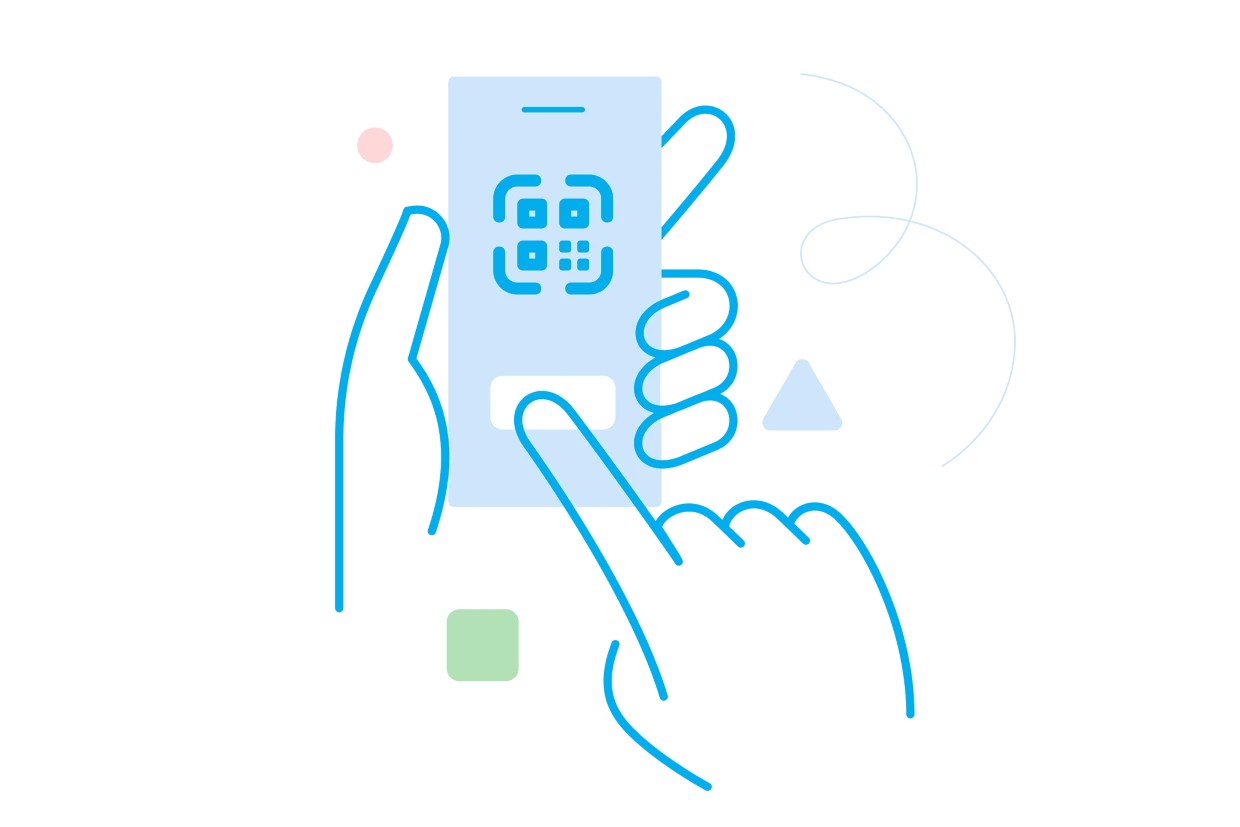
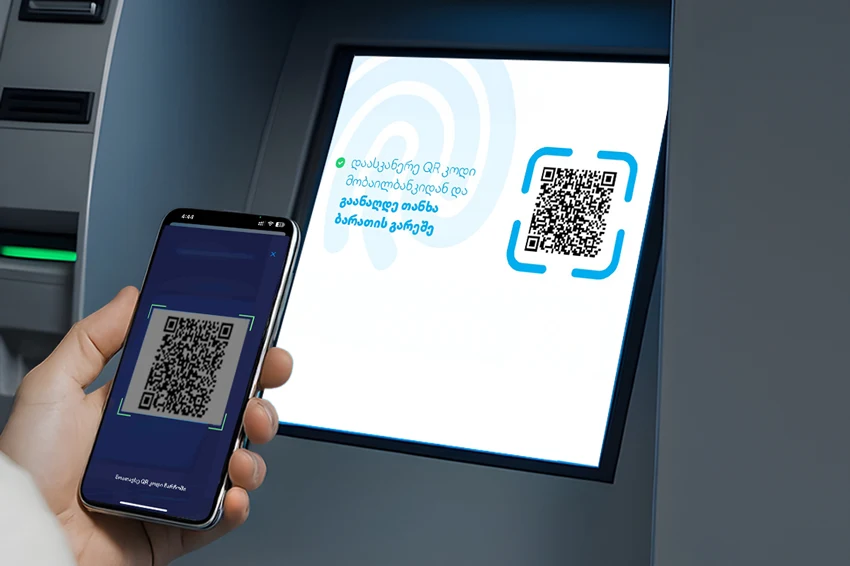
You can scan the QR code directly in the Mobile Banking app by tapping the scanner icon in the top right corner of the home screen
How do I select the amount, currency, and card?
chevron-down-outlined
On the withdrawal page, simply:
Enter the amount,
Choose the currency,
Select the card to withdraw from
I tried to withdraw 120 USD and could not, why?
chevron-down-outlined
GEL: Amount must be a multiple of 5.
USD: Amount must be a multiple of 100.
EUR: Amount must be a multiple of 50.
If the amount doesn’t meet these rules, you’ll see an error message. For GEL, quick amount buttons appear (10 GEL, 20 GEL, 50 GEL, 100 GEL).
Which currencies can I withdraw?
chevron-down-outlined
The currency list shown in app, only shows currencies available at that specific ATM.
How do I select the card for withdrawal?
chevron-down-outlined
In the empty card field, select a card.
The list shows only your active cards eligible for withdrawal.
Your previously used card is pre-selected.
If funds are in another currency, the ATM will convert at the current rate.
If you have 1000 GEL and choose to withdraw $100, you’ll get $100 in cash, but the amount will be charged from your GEL account.
How do I confirm the transaction?
chevron-down-outlined
You’ll need to confirm it with the SMS code sent to your phone.
How much time do I have to withdraw the cash?
chevron-down-outlined
After scanning the QR code, you have 45 seconds to complete the withdrawal. If you don’t finish in time, the transaction will automatically be canceled, and the app will display a “Failed” screen.